
Do You Need a Local Locksmith In New Orleans, LA? Call Royal Locksmith Now. License: F-2457
Do You Need a Local Locksmith In New Orleans, LA? Call Royal Locksmith Now. License: F-2457


Smart locks exist to make life less complicated. With a vocal command or a quick tap on the smartphone, you can unlock the door, and track who comes and leaves your home.
However, if the smart lock stops functioning as expected and you experience a lockout, what will you do? Keep reading the article to find out.
It is easy to suddenly panic when a smart lock stops working, especially if you are locked out of your home. But try to calm down for a bit and check for these basics: check if the key fob or phone are fully charged? Are you having problems keeping your Bluetooth or Wi-Fi connection? Most of the time, the smallest issues become the most painful headaches.
Smart locks rely on batteries that is why in most cases they start malfunctioning when the batteries are weak.
Nothing is more frustrating than coming home after a long day, only to find…
Locks are the backbone of security for our homes and businesses. We trust them…
Doors and their locks are the primary barrier between your personal space and the…
It’s a common scene: you're juggling grocery bags, a gym bag, and maybe even…
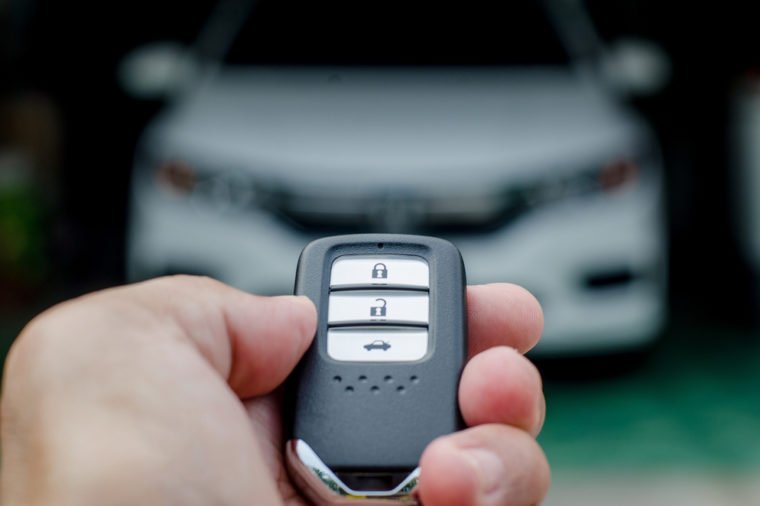
If you own a car with a transponder key or a keyless entry system,…
If you're inside the house, remove the battery cover and inspect the batteries to see if they are depleted. For some models the lock will flash or begin to beep when the battery is low. So, pay attention to any clues.
If possible, always have an extra set of batteries in the car or at home. And in case your batteries need replacement, visit our locksmith shop to get some help.
At times, simply resetting your lock will do the trick. On several smart locks, the reset button is usually either on the side or under the battery cover. After pressing the button for about 5 seconds, try to use your app or keypad to lock or unlock.
Don’t forget to update the firmware for your mobile app and if your smart lock is old, it might not perform as it should. So, make sure that your lock and your phone are synced correctly and your app is updated.
In emergencies, several smart locks still offer a traditional key slot as an option. If that is available, this is the time to use it. But have you lost your backup key? If so, you should consider visiting Royal Locksmith. In case you’re looking for more security, we may rekey the lock or provide you with a new key.
In addition, some systems let you use a temporary code to unlock your car remotely. During the troubleshooting process, you can ask someone else to open the door just to test the efficiency of the app.
Get an expert to help if the smart lock still does not work after all your efforts. If there is a problem due to a malfunction, poor connection, or a mechanical part, a reliable locksmith like Royal Locksmith can easily identify it.
You can also visit our locksmith shop. We will check if the lock should simply be repaired or replaced. We may also offer more secure and suitable options for your door and protection.
Smart lock is designed to help users, not create more concerns. Still, just like other technology, it can sometimes fail or malfunction. But knowing the right steps can help with any problem,; be it a dead battery, outdated software, or a lockout.
So, if you are ever in doubt, you can call Royal Locksmith proper clarification. We'll always help you out!
 23 Feb 2026
If you own a home or manage a small business, you have probably wondered whether it is time to upgrade your locks. Maybe you are using traditional keys, or you have installed an access control…
Read More
Home security does not have to mean cameras on every corner and a control panel that looks like it belongs…
Read More
If you have ever been locked out of an older car, you may remember how simple it once was to…
Read More
Most people do not call a locksmith on a good day. The call usually comes after something has already gone…
Read More